Apple Left the Logo Toggle in Terminal; Backglow Puts It in a Window
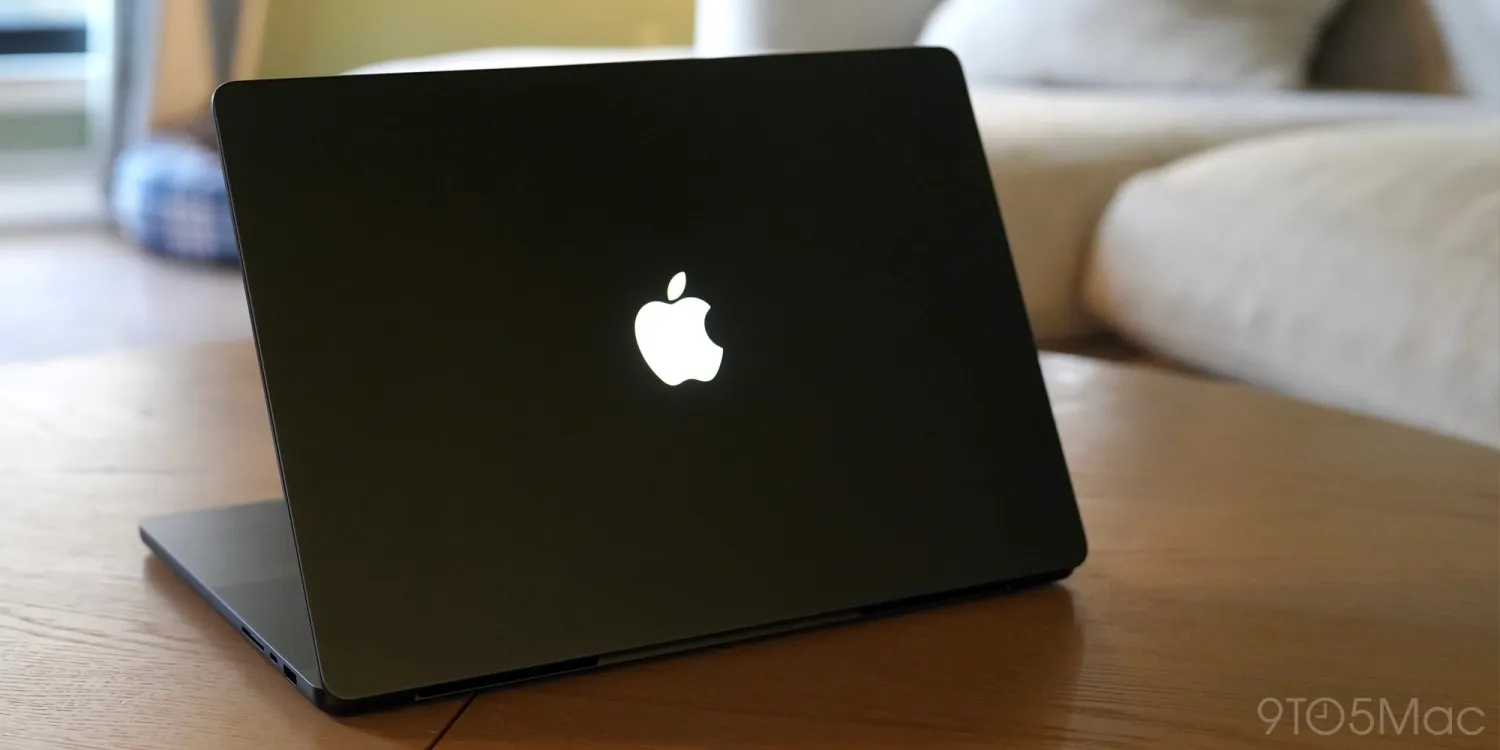
The new MacBook Pro's glowing Apple logo auto-adjusts to screen brightness and ambient light, but Apple shipped no native UI toggle to turn it off — a gap the third-party Backglow app now fills with independent brightness control and a one-click off.
The logo lights up whenever the Mac is awake and dims or brightens based on the display's brightness level and the ambient light in the room. Apple's only way to kill it is a Terminal command. There is no switch in System Settings.
Backglow, made by designer Juan Buis, gives users a window instead. The free version lets you adjust the logo's brightness independently of the display and turn it off with a single click. A "Breathe" mode makes the light pulse gently, echoing the sleep indicator on older MacBooks.
A one-time payment unlocks Pro features: $9 for a limited time, $15 after. That adds a "Music" mode where the logo's light moves to the beat.
The 14-inch model starts at $2,899 and the 16-inch at $3,399, both running M5 Pro or M5 Max chips. The logo is a small detail on a large machine, but it is the kind of detail that makes a $3,000 laptop feel unfinished when the only off-switch lives in a command-line tool.
Sources: MacRumors, AppleInsider. The hole: no item confirms whether Apple plans to add a native toggle in a future update, or whether Backglow behaves identically on both the 14-inch and 16-inch models.
The claim is supported by two MacRumors items and one AppleInsider item. The auto-adjust behavior and the absence of a System Settings toggle are confirmed in [12503]. Backglow's features, pricing, and the Terminal workaround are confirmed in [12676]. The 14-inch and 16-inch pricing and chip names come from [12488]. No checked sheet is attached, so no memory or speed comparison is made. The hole remains: whether Apple will ship a native toggle, and whether Backglow's behavior is identical across both screen sizes.
Die Brief desk. The claim is ours. Facts from MacRumors, 9to5Mac, AppleInsider, ComputerBase. Pictures, if any, are from those pages.